
TL;DR: Automated accessibility testing catches the low-hanging fruit long before a human reviewer ever opens the page, and the scale of what is failing is why that matters: 95.9 percent of the world's top one million home pages have at least one detected WCAG 2 failure, averaging 56.1 errors per page. None of that gets fixed by running one scan before launch. It gets fixed by wiring axe-core into the same Playwright suite that already runs on every pull request, so a contrast regression or a missing label fails the build instead of shipping.
Quick answers
What is WCAG 2.2 AA compliance and why does automated testing target it?
WCAG 2.2 is the current W3C standard for web accessibility, built around four principles: perceivable, operable, understandable, robust. Level AA sits between A and AAA, and it is the bar most legal frameworks and enterprise procurement checklists actually reference, so it is the tag set most teams configure their scanner against.
Can axe-core catch every accessibility issue automatically?
No. Automated tools like axe-core reliably catch roughly a third to a half of WCAG issues. The rest, whether alt text actually describes the image, or whether a focus order makes logical sense, need a person. Automated scanning is the floor, not the whole test plan.
How much of an accessibility test plan should be automated versus manual?
Automate anything a rule engine can check deterministically: contrast ratios, missing labels, invalid ARIA attributes, duplicate IDs. Keep a recurring manual pass, ideally with a keyboard and a screen reader, for the judgment calls automation cannot make, like reading order and whether a keyboard user can actually finish a flow, not just tab through it without an error.
Understanding WCAG 2.2 AA Compliance Requirements in Build Pipelines
WCAG 2.2 is the current W3C Recommendation, and it adds nine new success criteria on top of 2.1, most aimed at keyboard focus visibility, mobile target size, and simpler authentication flows. It does not replace 2.1's criteria, it sits on top of them, which is why a scanner tagged only for wcag21aa will not catch a target-size or focus-visibility regression that only the new wcag22aa criteria cover.
The scale of what is currently failing is why this belongs in the build pipeline rather than a pre-launch checklist. 3,117 website accessibility lawsuits were filed in US federal court in 2025 alone, a 27 percent jump from 2024, and the businesses named are rarely companies nobody has heard of. They are ordinary e-commerce and restaurant sites that never ran an accessibility check until a demand letter showed up. Catching a regression in a pull request costs a review comment. Catching it after a customer, or a plaintiff's attorney, finds it costs considerably more.
This is also where teams misjudge scope. A pipeline check is not "run axe once on the homepage." It means every route a user can reach, every state a form can be in, error, loading, filled, and every breakpoint a real visitor uses, because a contrast failure that only shows up in dark mode or on a 375px viewport will not show up in a single desktop scan.
Four of the nine new criteria are the ones a pipeline check should specifically watch for. Target Size (Minimum) requires interactive targets to be at least 24 by 24 CSS pixels, which a script can check directly against getBoundingClientRect() on every button and link. Focus Not Obscured requires a focused element to stay visible instead of hiding fully behind a sticky header or cookie banner, a regression that is easy to introduce and easy to write an automated check for. Consistent Help and Accessible Authentication are harder for a rule engine alone, since they depend on where a help link sits across pages or whether a login flow avoids a pure memory recall step, and usually need a manual pass layered on top.
Code Walkthrough: Integrating @axe-core/playwright in Existing Test Suites
The official integration is a thin wrapper Deque and Microsoft maintain together, and it drops into an existing Playwright suite without restructuring anything.
- Install the package: npm install @axe-core/playwright as a dev dependency alongside your existing @playwright/test setup.
- Import AxeBuilder and run a scan against a page your test already navigated to: const results = await new AxeBuilder({ page }).analyze(), then assert results.violations is an empty array the same way you would assert on any other Playwright expectation.
- Scope the scan to the tags you actually care about with .withTags(['wcag2a', 'wcag2aa', 'wcag21a', 'wcag21aa']), so a run does not fail on best-practice suggestions you have not committed to fixing yet.
- Exclude a known, tracked issue instead of skipping the whole test, with .exclude('#legacy-widget'), or turn off one rule site-wide with .disableRules(['duplicate-id']) while it gets fixed, so the rest of the page still gets checked.
- Run it as its own test per route, not bolted onto an unrelated functional test, so a failure names the accessibility problem and the exact page instead of getting buried inside an assertion about a button click.
- Add a project-specific rule with axe.configure() if a custom design-system component needs different contrast handling than axe assumes by default, rather than disabling the whole check for every button on the page.
- Loop the same AxeBuilder scan across the breakpoints your CSS actually branches on, running the suite at 375, 768, and 1440 pixels wide, since a contrast or target size failure that only appears under 768px will never show up in a single desktop-only run.
That is the entire integration. The harder part is everything after the first green run: deciding what to actually do with the results axe returns.
Filtering False Positives and Exporting HTML Compliance Reports
axe-core returns four buckets, and teams that only look at violations miss half the picture. Violations are confirmed failures. Passes are checks that ran clean. Inapplicable rules did not apply to anything on the page. Incomplete is the bucket that trips people up. It means axe could not determine pass or fail automatically and a human needs to look, most often for color contrast against an image background or an ARIA attribute whose correctness depends on context axe cannot infer.
Treating incomplete as a pass is the most common false negative in a CI setup. A green pipeline sitting on top of a pile of unreviewed incomplete results is not actually a clean pipeline, it is an unreviewed one. Route incomplete results to a person on a schedule, weekly is reasonable for most teams, rather than letting them pile up silently.
Every violation axe returns also carries an impact level: critical, serious, moderate, or minor. Critical means the failure blocks assistive technology outright, a form field with no accessible name at all. Serious means a real barrier exists, insufficient contrast on body copy is the textbook example. Moderate and minor are real but lower priority, a redundant ARIA role or an icon button whose purpose can usually still be inferred. Triaging a violations list by impact first, and only then by how many pages a rule fires on, keeps a team fixing the failures that actually block a screen reader user instead of chasing whichever one is easiest to close.
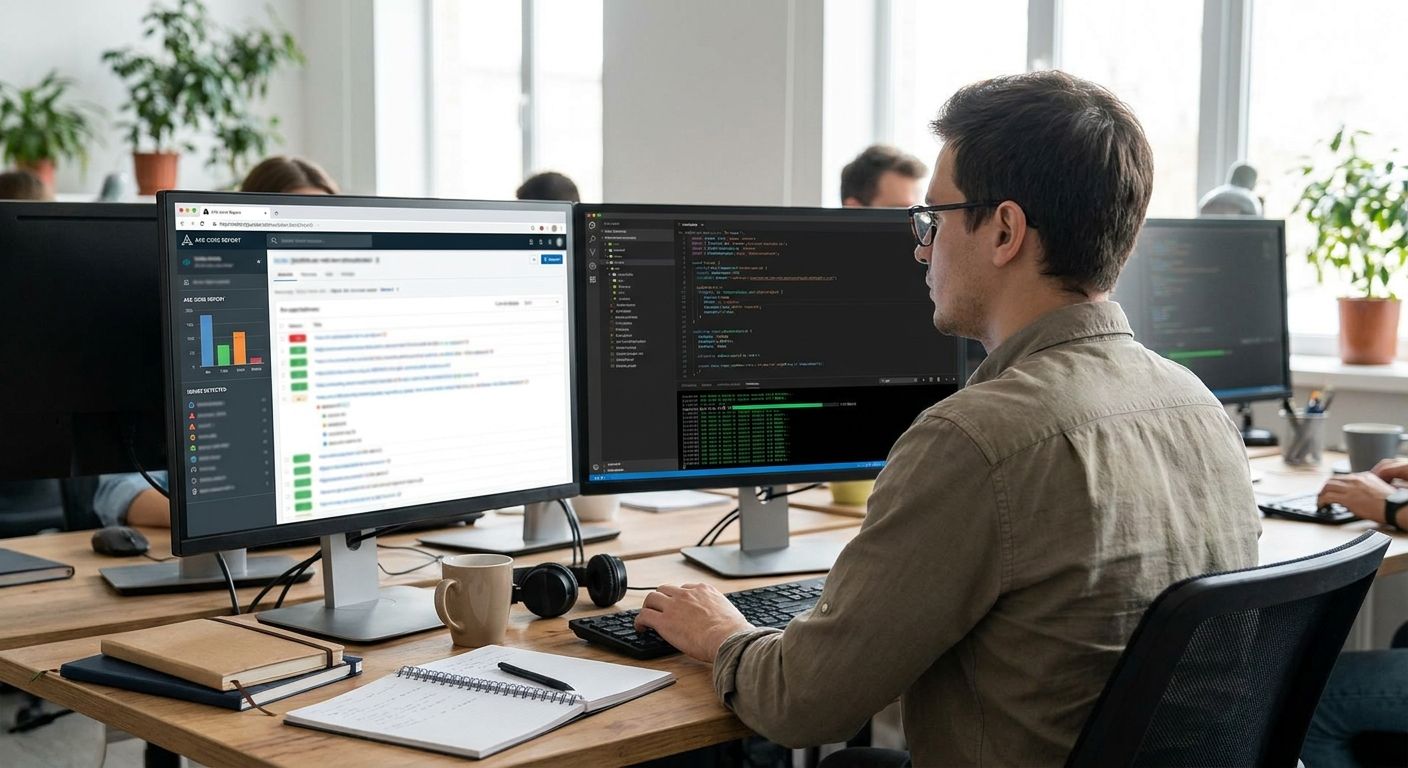
For reporting, axe-core's own results object serializes to JSON directly, and community reporter packages turn that same object into a readable HTML report with the failing selector and the rule description per page. That HTML file is what most teams actually attach as a CI artifact for a compliance audit trail, rather than shipping raw JSON to a stakeholder.
One concrete option teams reach for is axe-html-reporter, an npm package that takes the same AxeResults object @axe-core/playwright already returns and turns it into a shareable HTML file with the failing selector and rule description per page, ready to attach as a CI build artifact.
Keep one thing separate from the automated report: a documented list of rules a team has consciously deferred, with a reason and an owner, is defensible. A violations count that keeps shrinking because rules keep quietly getting disabled is not, and it is the first thing an auditor, or a plaintiff's expert, will ask to see.
Automated Color Contrast, ARIA Tag, and Keyboard Navigation Checks
Color contrast is the rule axe catches most reliably, because it is close to pure math: text color against background color against the WCAG AA minimum ratio, 4.5 to 1 for normal text and 3 to 1 for large text. It still misses text over a gradient or a background image, where axe cannot always resolve the effective background color, which is exactly the kind of case that lands in incomplete instead of a clean pass or fail.
ARIA checks are where axe earns its keep on component-heavy apps: a missing aria-label on an icon-only button, an invalid role value, aria-hidden accidentally applied to focusable content, a role used without its required properties. These are exactly the defects that are invisible to sighted QA and immediately break a screen reader.
Keyboard navigation is the one category axe cannot fully automate on its own, because tab order and focus behavior depend on runtime state, not static markup. The workaround most teams use is combining axe with Playwright's own keyboard API: press Tab through a flow and assert that page.locator(':focus') lands somewhere visible and logical at each step, then let axe check the ARIA and contrast layer separately. Neither tool alone covers the whole WCAG 2.2 operable principle.
Two of the new WCAG 2.2 criteria fit naturally into this same automated layer. Target Size (Minimum) can be checked by measuring the rendered width and height of every clickable element and flagging anything under 24 by 24 CSS pixels, the same way a contrast check measures color values. Focus Not Obscured is checkable by tabbing to an element and asserting its bounding box is not covered by a fixed position header, banner, or modal at the point it receives focus, which is a natural extension of the same keyboard walk pattern used for tab order.

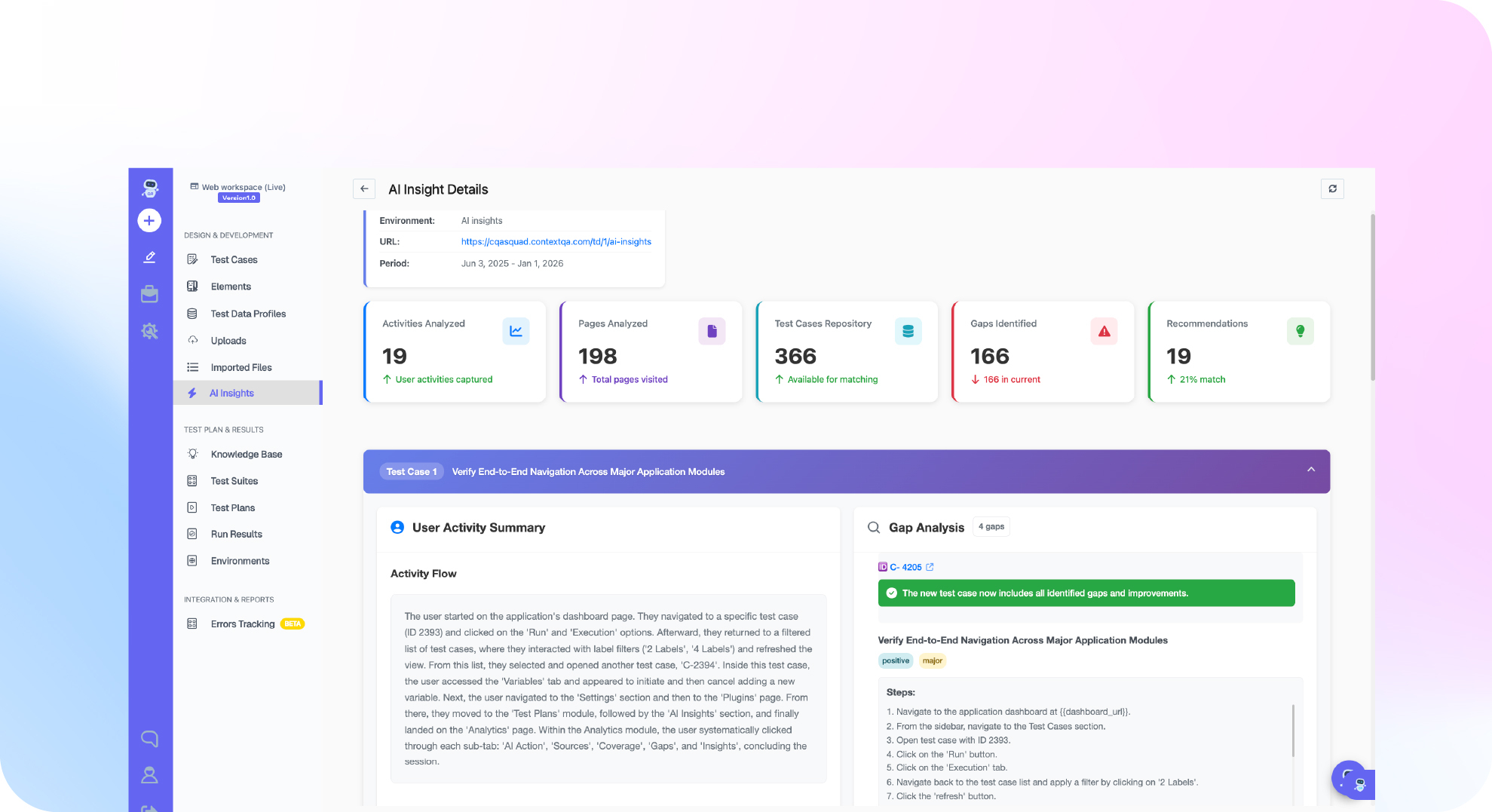
Wiring axe-core into a pipeline covers the automatable third of accessibility testing. ContextQA's AI-driven test platform runs accessibility checks inside the same suite that covers your functional regression, so a WCAG failure surfaces in the same run as a broken checkout flow instead of a separate audit nobody schedules. See it on a 15-minute demo.
Frequently Asked Questions
Does passing an automated axe-core scan mean my site is WCAG compliant?
No. It means the roughly third to half of issues a rule engine can check deterministically are clean. Full WCAG 2.2 AA conformance also needs the manual checks automation cannot do: meaningful alt text, logical reading order, and an actual keyboard walkthrough of every critical flow.
How often should accessibility scans run in CI?
On every pull request that touches UI, the same as any other regression check, not as a separate quarterly audit. A contrast or ARIA regression caught the day it is introduced is a one-line fix. The same regression found six months later in a manual audit means finding which of dozens of merged pull requests caused it.
What is the difference between a violation and an incomplete result in axe-core?
A violation is a confirmed failure axe is certain about. Incomplete means axe found something that needs a human judgment call, most commonly contrast against an image background or an ARIA attribute whose correctness depends on context. Ignoring incomplete results is the most common way a team ends up with a false sense of clean compliance.
Bottom line
Automated accessibility testing will not get a site to full WCAG 2.2 AA conformance on its own, but it will stop the easy regressions, a missing label, a contrast ratio that slipped under 4.5 to 1, an ARIA attribute nobody meant to remove, from ever reaching production. Wire axe-core into the same pipeline that runs your Playwright suite, tag it to wcag2a, wcag2aa, wcag21a, wcag21aa at minimum, and keep a human in the loop for the incomplete bucket. If framework choice is still open on your team, that comparison is worth reading before deciding where the accessibility layer sits.